Medical Issue
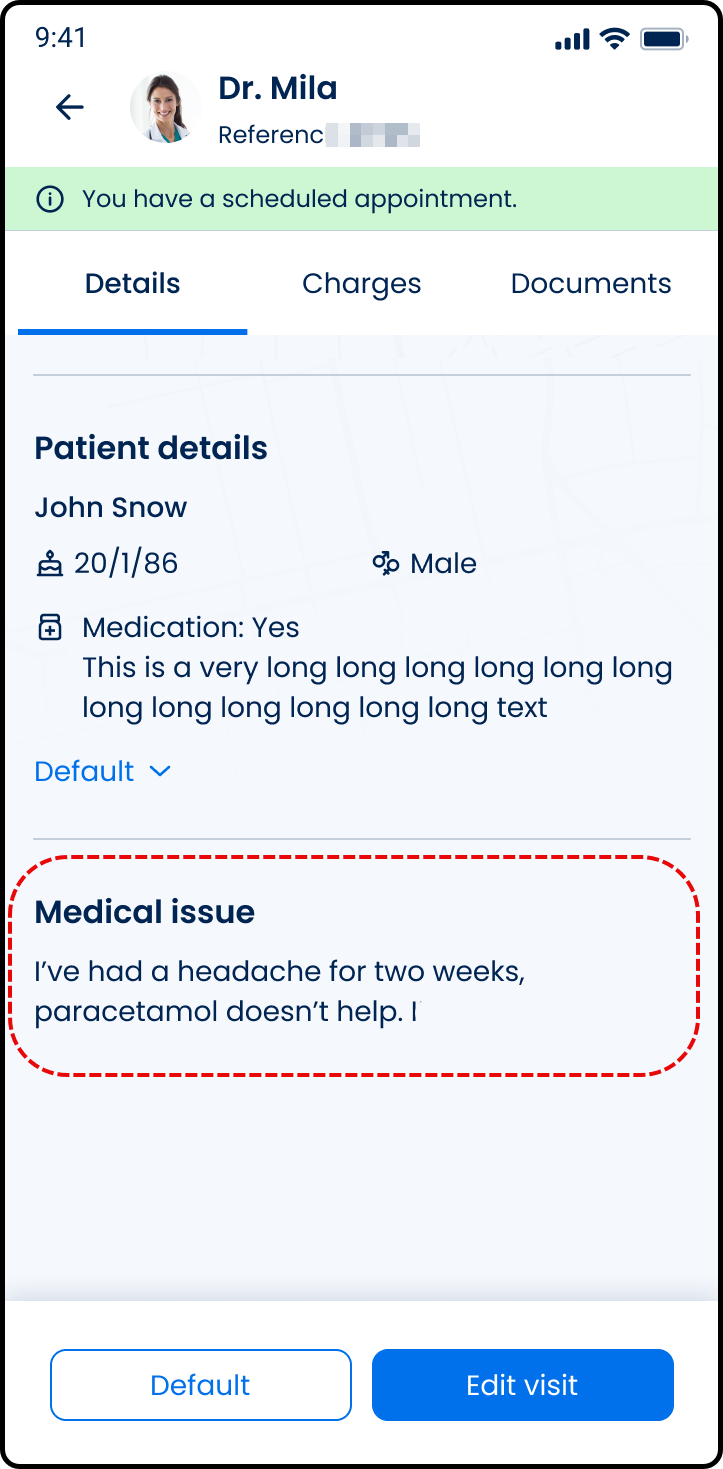
The Medical Issue section defines the patient-provided reason for the appointment and optional supporting documents.
This section appears during request creation and in read-only appointment views.
This section includes:
- Medical issue field - Required text input.
- Document upload - Optional file attachments.
- Primary action
- Next during request creation.
- Update during request editing.
Workflow
Create Flow
- Enter a description of the medical concern.
- Upload supporting files if required.
- Select Next to proceed.
Edit Flow
- Open the request in editable state.
- Modify the description or attachments.
- Select Update to apply changes.
Validation
| Scenario | App Behavior | SDK Output |
|---|---|---|
| Description empty. | Progression blocked. | Field validation error. |
| Description exceeds maximum length. | Error displays. Input rejected. | Validation error. |
| Unsupported file format. | File rejected. | File validation error. |
| File size exceeds 10 MB. | File rejected. | File validation error. |
Actions
| Scenario | App Behavior | SDK Output |
|---|---|---|
| Description entered. | Validate input. | Field validation state update. |
| Attachment uploaded. | File attaches to request. | Update set with file reference. |
| Attachment removed. | File removed from request. | Update set without file reference. |
| Next selected (valid state). | Navigate to next step. | Section data persisted. |
| Update selected (editable state). | Apply changes. | Updated request state returned. |
| Request rejected. | Error displays. No state change. | Error response. |