Expense Form
Use Expense Form to collect claim, appointment, event, expense, and contact details before claim submission.
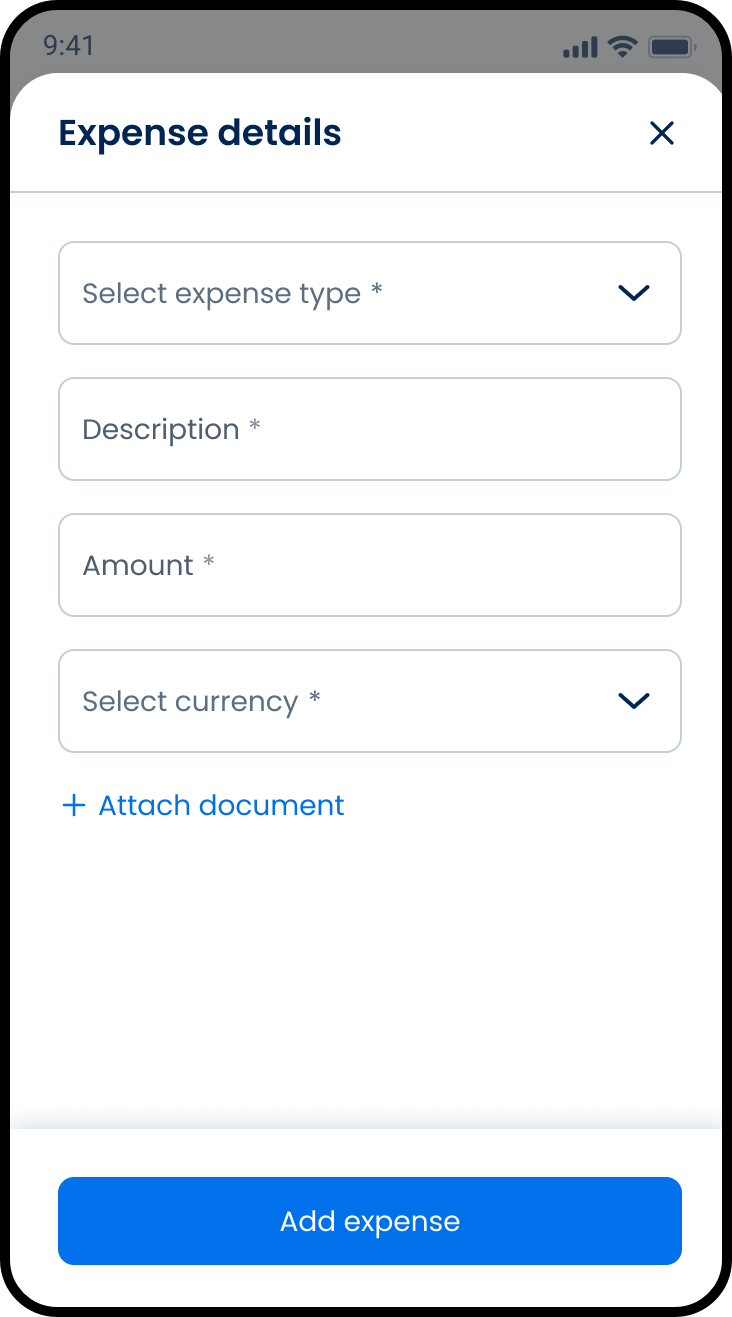
This screen includes:
| # | Element | Description |
|---|---|---|
| 1 | Page title | Displays Submit claim. |
| 2 | Back action | Returns to the previous screen. |
| 3 | Claim details section | Contains policy and appointment selectors. |
| 4 | Patient details section | Displays the selected patient. |
| 5 | Appointment information section | Contains appointment date, country, clinic, phone, and email fields. |
| 6 | Event details section | Contains the claim reason and document attachment action. |
| 7 | Contact information section | Contains contact name, phone, email, and home address fields. |
| 8 | Continue action | Continues the claim submission flow. |
Workflow
- Open Submit claim.
- Select a policy and appointment.
- Review or enter patient details.
- Enter appointment information.
- Enter the claim reason.
- Attach supporting documents.
- Enter contact information.
- Select Continue.
Validations
| Scenario | App behavior | SDK output |
|---|---|---|
| Session invalid | Block claim submission | state = unauthenticated |
| Policy missing | Disable Continue | validation = policy_required |
| Appointment missing | Disable Continue | validation = appointment_required |
| Patient missing | Disable Continue | validation = patient_required |
| Appointment date missing | Disable Continue | validation = appointment_date_required |
| Country missing | Disable Continue | validation = country_required |
| Clinic name missing | Disable Continue | validation = clinic_required |
| Claim reason missing | Display validation error | validation = reason_required |
| Contact details missing | Disable Continue | validation = contact_required |
| Required fields complete | Enable Continue | state = ready |
| Request rejected | Display error state | status = 405 |
Actions
| Scenario | App behavior | SDK output |
|---|---|---|
| Screen opens | Load expense form | PUT /api/v3/claims/submit/expenses |
| Policy selected | Update selected policy | policy = selected |
| Appointment selected | Update selected appointment | appointment = selected |
| Patient selected | Update patient details | patient = selected |
| Appointment information entered | Update appointment details | appointmentInfo = updated |
| Claim reason entered | Update claim reason | reason = updated |
| Document attached | Add supporting document | attachment = added |
| Contact information entered | Update contact details | contact = updated |
| Continue selected | Continue claim flow | navigation = continue |
| Back selected | Return to previous screen | navigation = back |
Endpoint Resources
Expense Form
PUT
v3/claims/submit/expenses
Returns the expense form for claim submission.
Add Expense
PATCH
v3/claims/submit/expenses
Adds a new expense to the claim and refreshes the current expense list with the updated claim totals.
Update Expense
PATCH
v3/claims/submit/expenses/{expense-id}
Updates an existing claim expense and refreshes the current expense list with the revised claim totals.
Delete Expense
PATCH
v3/claims/submit/expenses/{expense-id}/delete
Deletes an expense from the claim and refreshes the current expense list with the updated claim totals.
Patch Expense Details
PATCH
v3/claims/submit/expenses/details
Updates the expense form fields based on the selected expense type.
Patch Bank Fields
PATCH
v3/claims/submit/bank
Updates the claim bank fields based on the selected bank.
Patch Phone Prefix
PATCH
v3/claims/submit/phone-prefix
Updates the clinic phone prefix based on the selected event country.