Expired Policy - Add Coverage
Use the Expired Policy popup to stop an appointment request when the selected policy status is expired. The user must contact the insurer before access can continue.
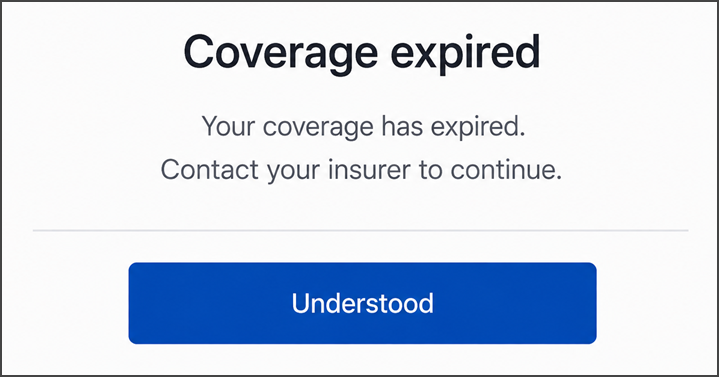
This screen includes:
| # | Element | Description |
|---|---|---|
| 1 | Expiration message | States that coverage has expired |
| 2 | Contact instruction | Directs the patient to contact the insurer |
| 3 | Understood action | Dismisses the popup |
Workflow
- Validate the selected policy.
- Identify the expired policy status.
- Call
PUT /api/v3/appointments/book/error/policy-not-active/embedded/expired-blocking. - Display the expired-policy popup.
- Stop the appointment request.
- Select OK to dismiss the popup.
Validations
| Scenario | App behavior | SDK output |
|---|---|---|
| Policy status is expired | Display the popup and stop continuation | state = blocked |
Request returns 200 | Render the returned page | Page object |
Request returns 405 | Display the application error | Error response |
| Session is invalid | Reject the request | state = unauthenticated |
Actions
| Scenario | App behavior | SDK output |
|---|---|---|
| Select OK | Dismiss the popup and preserve the blocked state | Close event |
Endpoint Resources
Embedded Expired Blocking
PUT
v3/appointments/book/error/policy-not-active/embedded/expired-blocking
Returns an embedded popup that stops an appointment request when the selected policy status is expired.