Search Location
Use Search Location to resolve the patient location before showing doctor availability and booking options.
The selected location determines supported services, doctor availability, pricing, and booking flows.
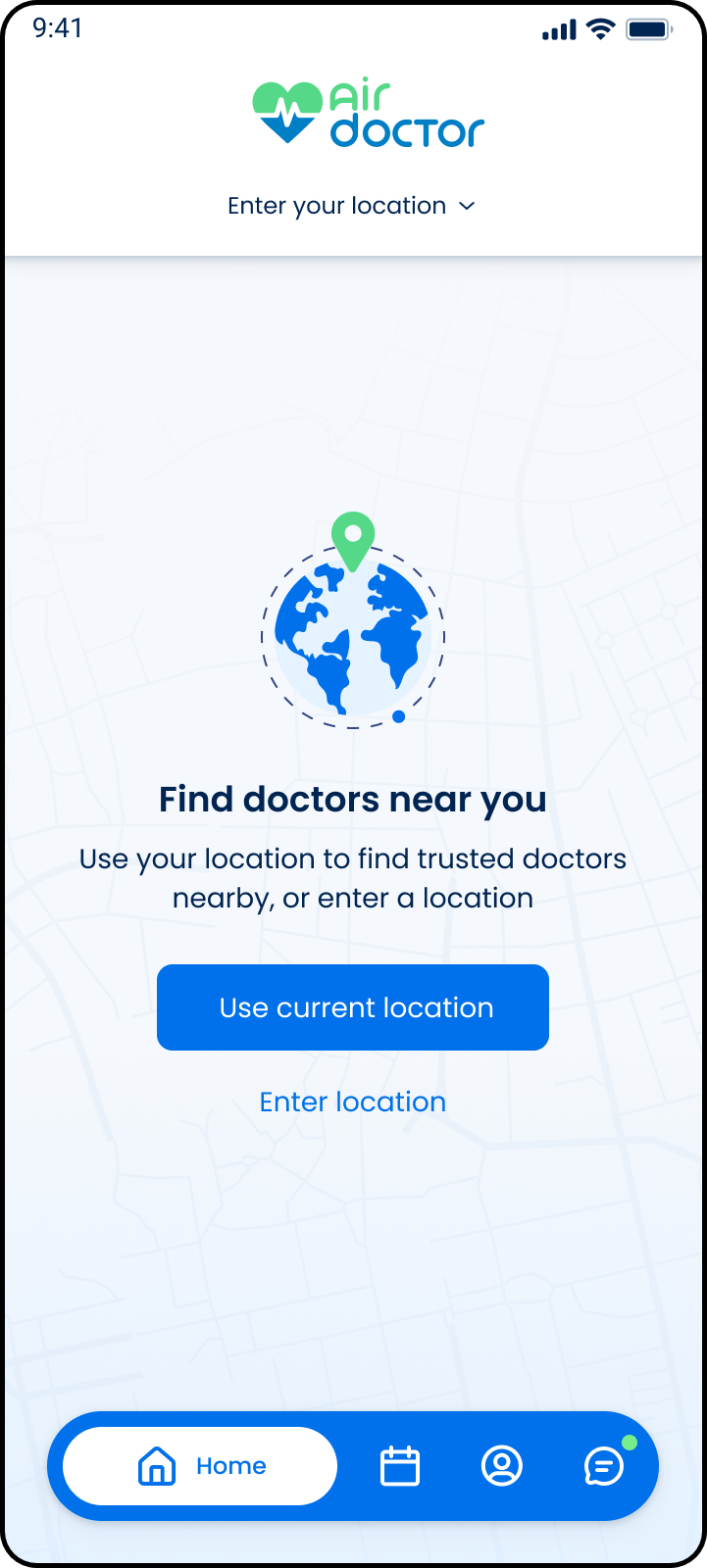
This screen includes:
| # | Element | Description |
|---|---|---|
| 1 | Location modal | Lets the user enter or select a location. |
| 2 | Modal title | Displays Enter location. |
| 3 | Close action | Closes the location modal. |
| 4 | Instruction text | Explains that location is needed to show available doctors nearby. |
| 5 | Location search field | Displays the typed location query. |
| 6 | Search icon | Indicates that the field supports location search. |
| 7 | Divider | Separates the search field from location actions and results. |
| 8 | Current location action | Requests the user’s current device location. |
| 9 | Location results list | Displays matching location suggestions. |
| 10 | Location result item | Shows a selectable location suggestion with a location pin icon. |
Workflow
- Open the location modal.
- Enter a location query.
- Return matching location suggestions.
- Select a location from the results list.
- Save the selected location.
- Refresh the home screen for the selected location.
Validations
| Scenario | App behavior | SDK output |
|---|---|---|
| Location query empty | Keep the location modal open | locationQuery = empty |
| Location query entered | Search for matching locations | locationQuery = updated |
| No matching locations found | Display empty results state | results = empty |
| Location selected | Resolve selected location | location = selected |
| Current location permission granted | Resolve device location | locationSource = current_location |
| Current location permission denied | Keep manual search available | locationPermission = denied |
| Location lookup fails | Display error state | state = error |
| Request rejected | Preserve current state | status = 405 |
Actions
| Scenario | App behavior | SDK output |
|---|---|---|
| Location modal opens | Load location search screen | PUT /api/v3/home/location |
| Search query updated | Return matching location suggestions | PATCH /api/v3/home/location/search |
| Location result selected | Load home content for selected location | PATCH /api/v3/home/location/show |
| Use current location selected | Request device location permission | action = use_current_location |
| Close selected | Close the location modal | state = dismissed |
Endpoint Resources
Search
PUT
v3/location
Returns the search location modal.
Search Location
PATCH
v3/location/search
Returns location suggestions for the entered query.